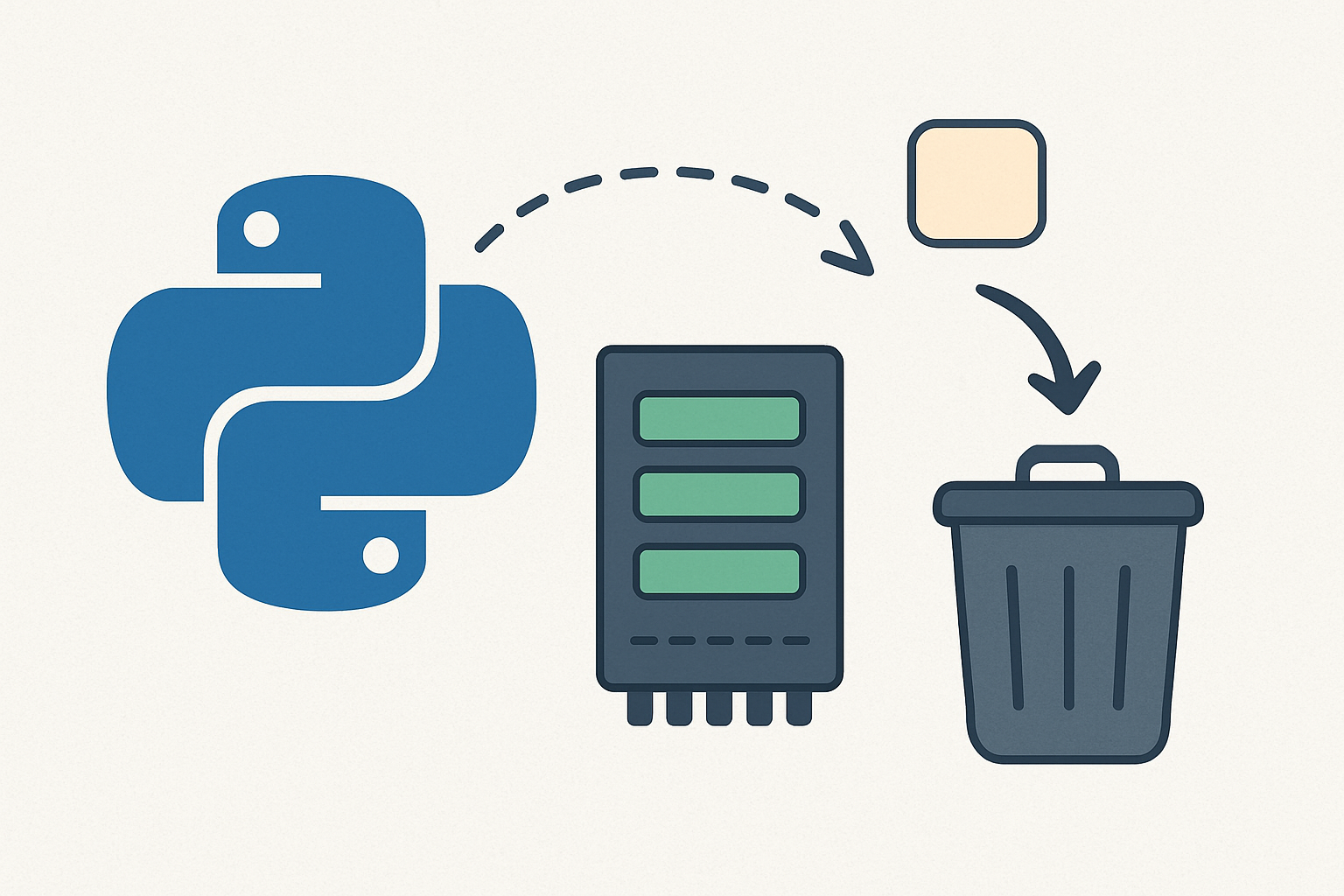
Efficient memory management is one of the most important aspects of programming. Modern applications are expected to handle data smoothly, avoid unnecessary memory consumption, and release memory when it’s no longer needed.
In Python, you don’t have to manually allocate and free memory as in low-level languages like C or C++. Python comes with a built-in memory manager and garbage collector that handle most of this work for you. However, understanding how Python manages memory helps you write more efficient, bug-free programs.
In this blog, we’ll explore the fundamentals of memory management in Python in a beginner-friendly way.
What is Memory Management?
Memory management is the process of allocating space for variables and objects when they are created and releasing that space when it’s no longer needed.
In Python:
- Allocation happens automatically when you create a variable or object.
- Deallocation (freeing memory) is handled by Python’s garbage collector.
Key Concepts in Python Memory Management
1. Everything is an Object
In Python, every piece of data is an object stored in memory—whether it’s a number, string, or list.
a = 10
b = "hello"
c = [1, 2, 3]
Here a is an integer object, b is a string object, and c is a list object.
And each object has three things; a type (e.g., int, str, list), a value (e.g., 10, “hello”, [1,2,3]) and a memory address where it stored.
2. Reference Counting
Python keeps track of how many references (variables or places) point to an object.
x = [1, 2, 3]
y = x   # both x and y point to the same list
The list [1, 2, 3] now has two references: x and y.
When both are deleted, the list is no longer needed, and Python reclaims the memory.
You can check reference counts using sys.getrefcount():
import sys
x = [1, 2, 3]
print(sys.getrefcount(x)) # The count is usually higher than expected due to temporary references
3. Garbage Collection
Reference counting works most of the time, but what if two objects refer to each other? That’s a circular reference.
Python solves this problem with garbage collection (GC). The GC looks for objects that are no longer reachable and frees their memory.
import gc
gc.collect() # Force garbage collection manually
Most of the time, you don’t need to worry about it—Python runs GC automatically in the background.
4. Memory Leaks in Python
Although Python handles memory efficiently, memory leaks can still happen. Common causes include:
- Keeping unused objects in global lists or dictionaries.
- Forgetting to close files, sockets, or database connections.
- Holding long-lived references to large objects unnecessarily.
Best practices:
- Use with statements for files and database connections (ensures cleanup).
- Remove references to objects you no longer need.
5. Immutable vs Mutable Types
Objects in Python can be mutable (can be changed) or immutable (cannot be changed).
- Immutable types: int, float, str, tuple
- Mutable types: list, dict, set
a = 10
b = 10
print(id(a), id(b)) # Same memory address!
For small immutable objects (like integers between -5 and 256), Python reuses memory addresses to save space.
In Python, memory management happens automatically, so you don’t need to worry about manually allocating or freeing memory. Everything in Python is an object, and the system keeps track of how many variables are pointing to each object. When nothing is using an object anymore, Python’s garbage collector cleans it up and frees the memory. This makes programming easier, but it’s still possible to run into memory issues if, for example, you keep references to objects you don’t really need or forget to close files and connections. Python also saves memory by reusing small immutable objects like numbers and strings. By understanding these basics, you can write programs that not only work correctly but also use memory more efficiently.